

Moonlog
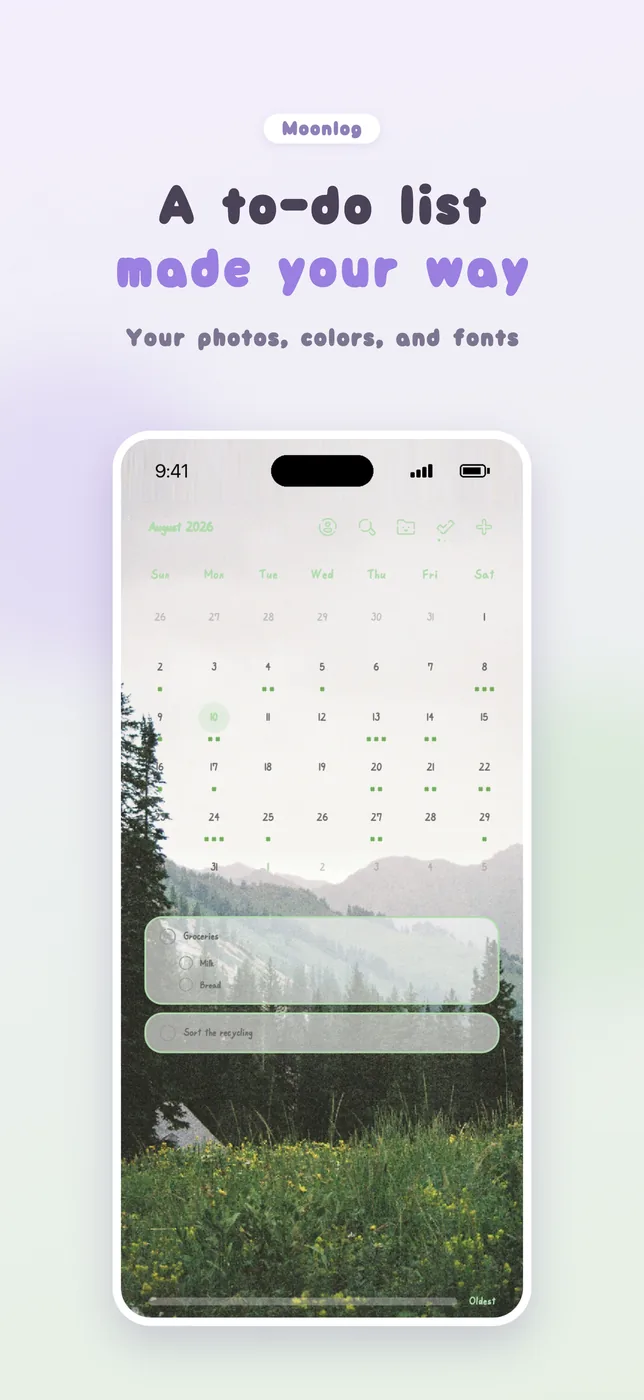
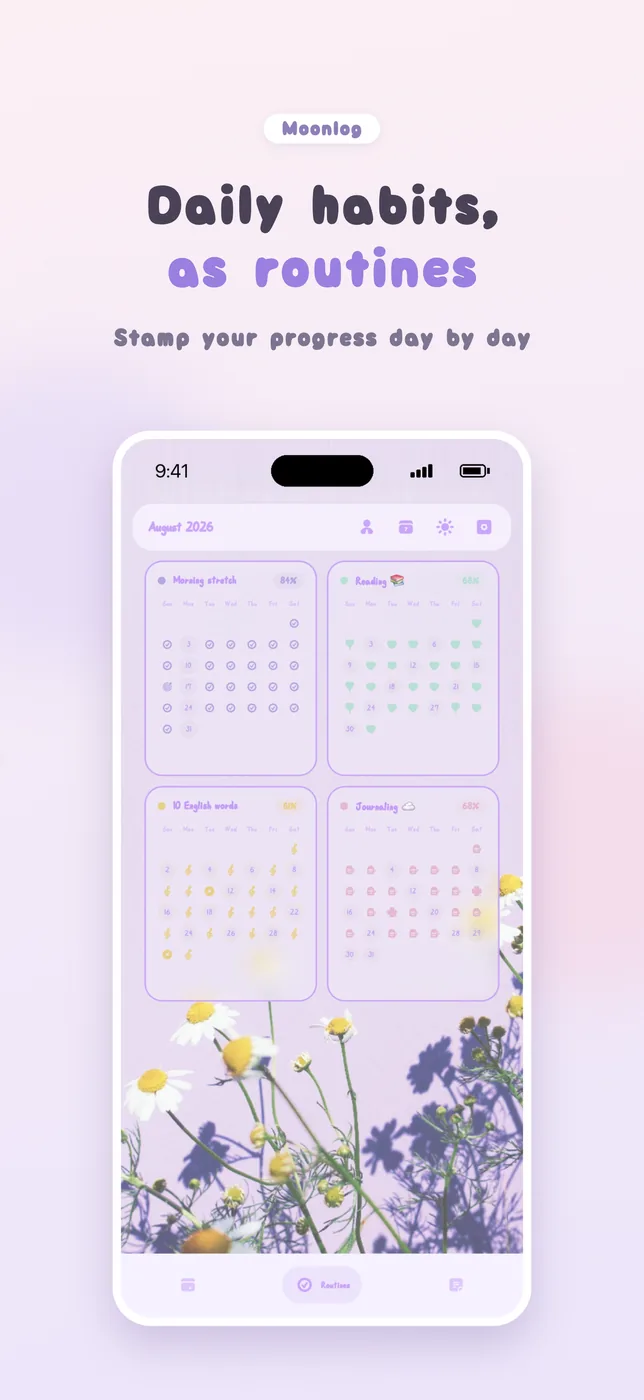
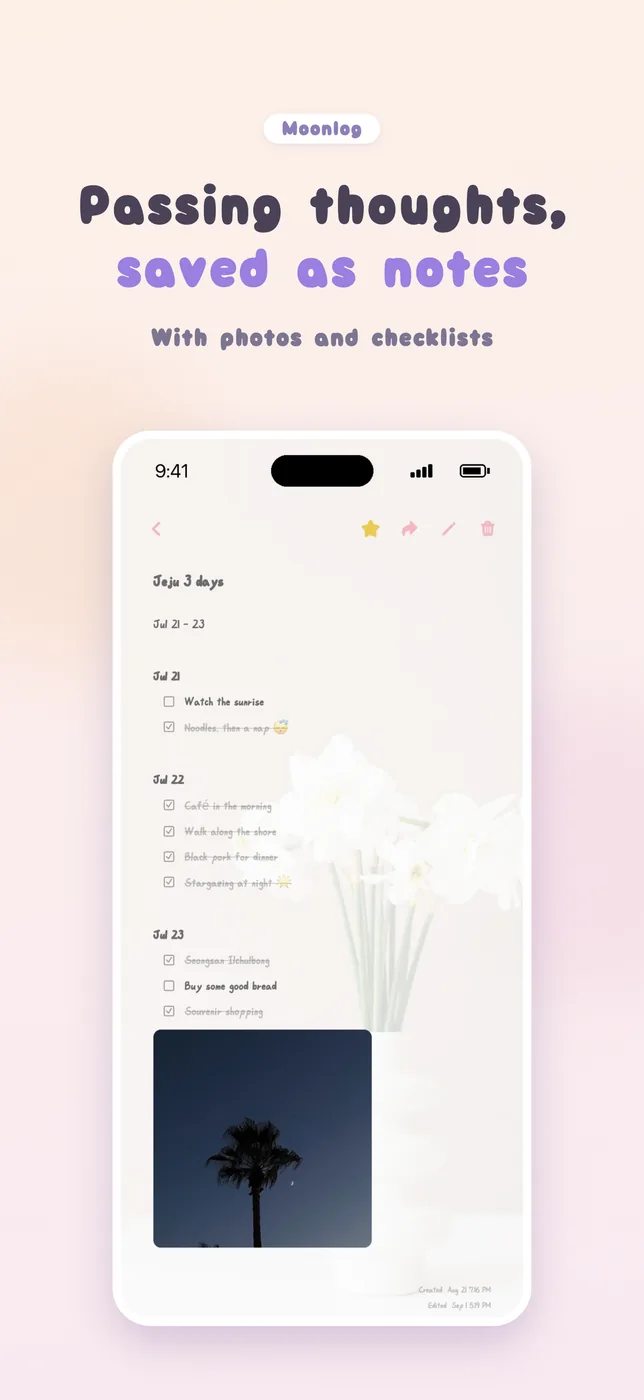
To-dos · Routines · Notes
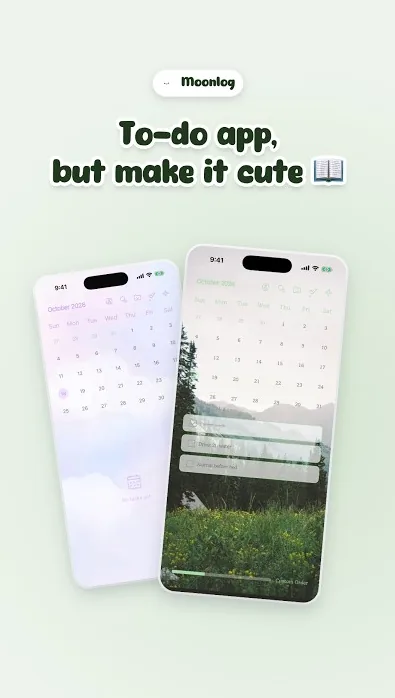
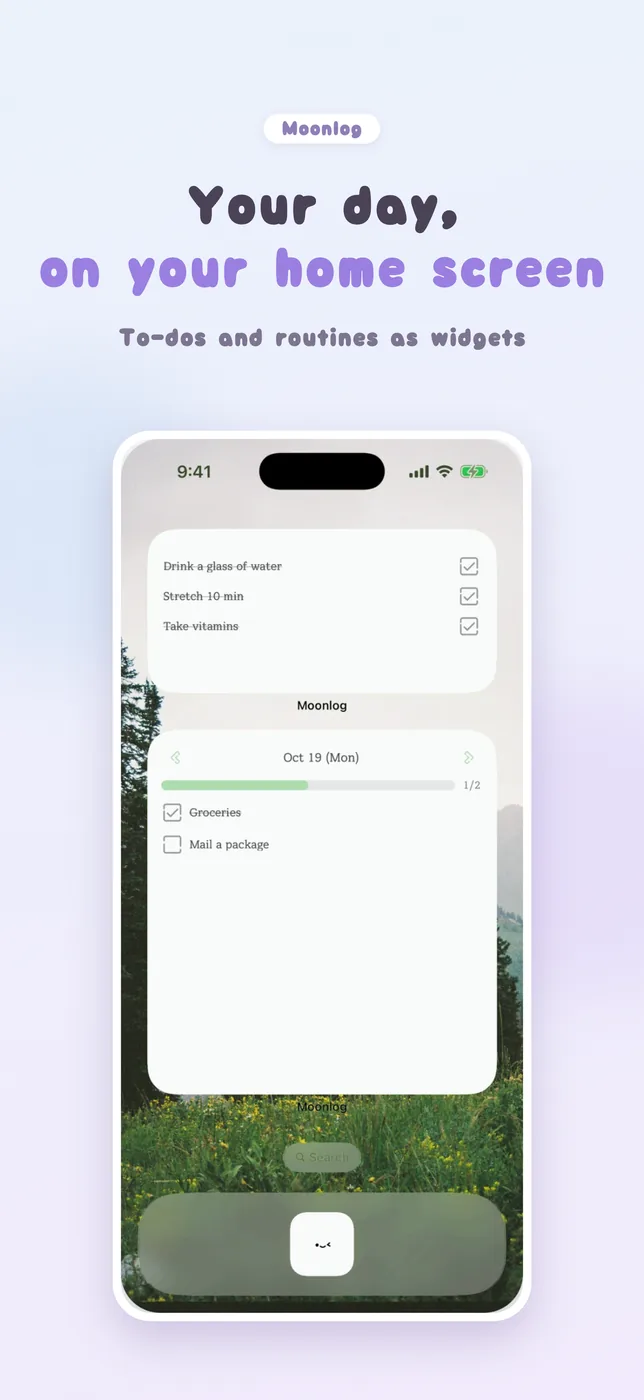
A to-do app you can decorate like a planner 📖
Make the backgrounds, fonts and colors your own.
Preview
News
No news yet
FAQ
Can I move my data to a new phone?
Yes. Go to My Page → Backup & Restore and choose one of two ways.
· Google Drive or iCloud: back up on your current phone, then restore on your new phone with the same account.
· Device (file): save a backup file on your phone, move it to your new phone, then restore from that file.
If you are switching between Android and iPhone, use Google Drive or a file. iCloud only works between iPhones.
How do I delete my account?
Go to Settings → Account → Delete Account in the app. If you no longer have the app, request it here.
https://oneuldalstudio.web.app/en/apps/moonlog/delete-account/
Questions & feedback
No posts yet